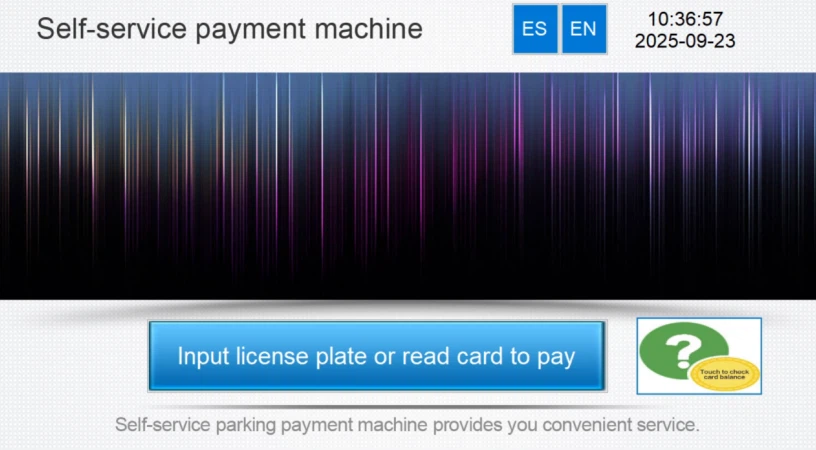
Log files are generated for the main equipment in a parking system, such as the entry ticket machine, exit ticket machine, central toll PC, and automatic payment machine. These logs record the activity of the software and can be analyzed to identify and resolve problems when they occur.
First, use a remote access tool such as AnyDesk, TeamViewer, SunLogin, or ToDesk to connect to the target equipment, which runs a Windows operating system.
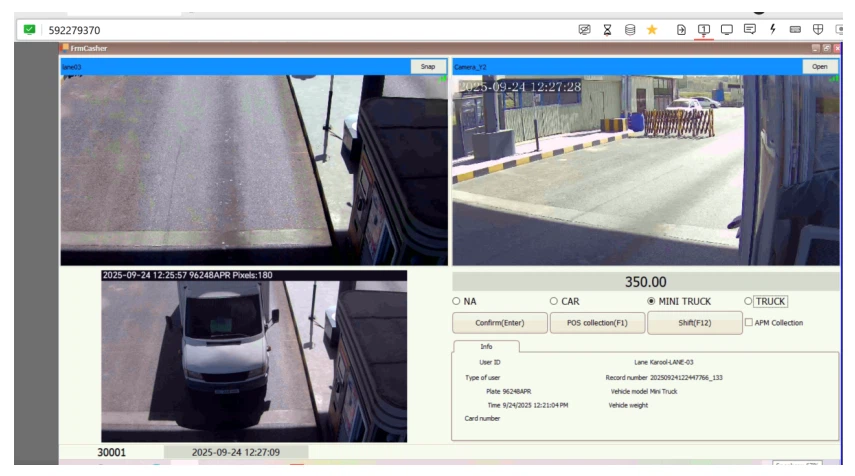
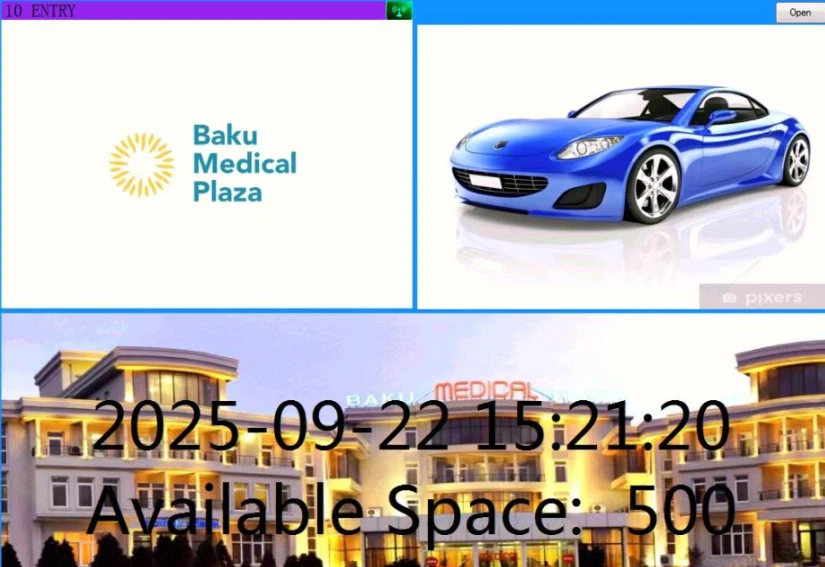
The image above shows the software interface.
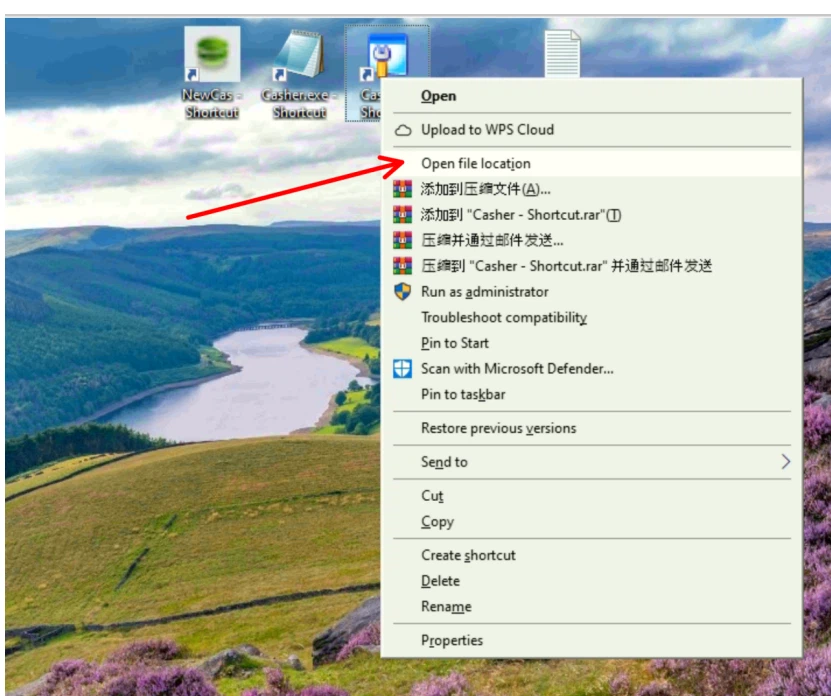
Right-click the application to open the location of the app's files.
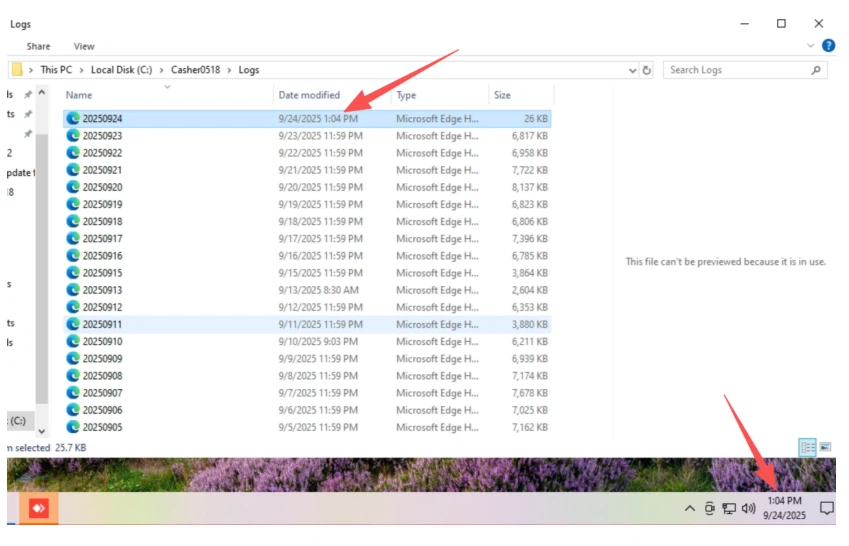
Locate the "logs" folder.
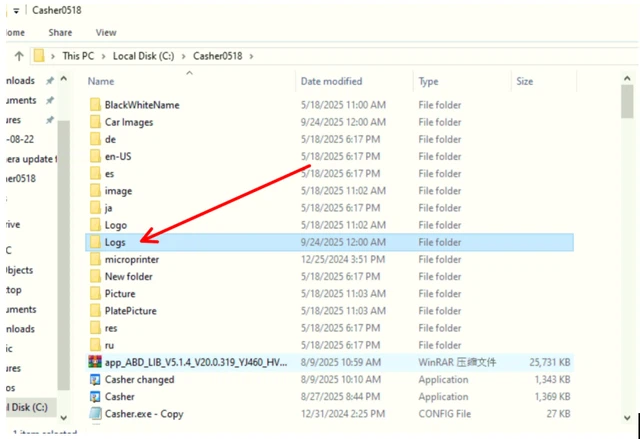
Inside you will find the logs for that day.
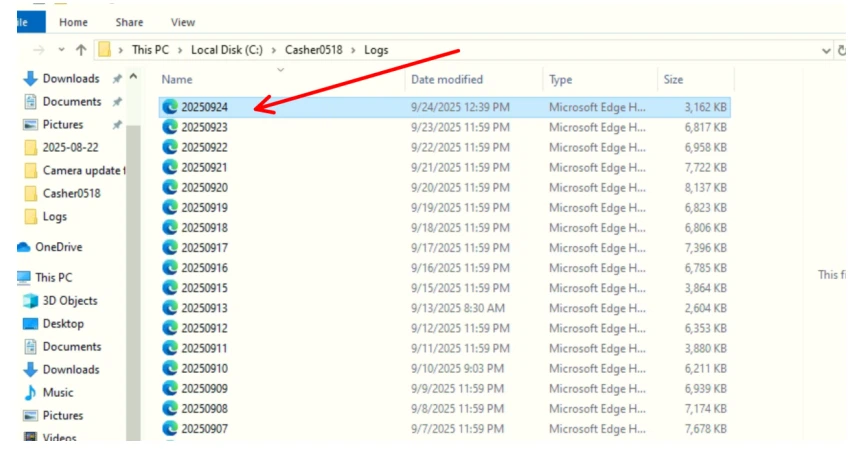
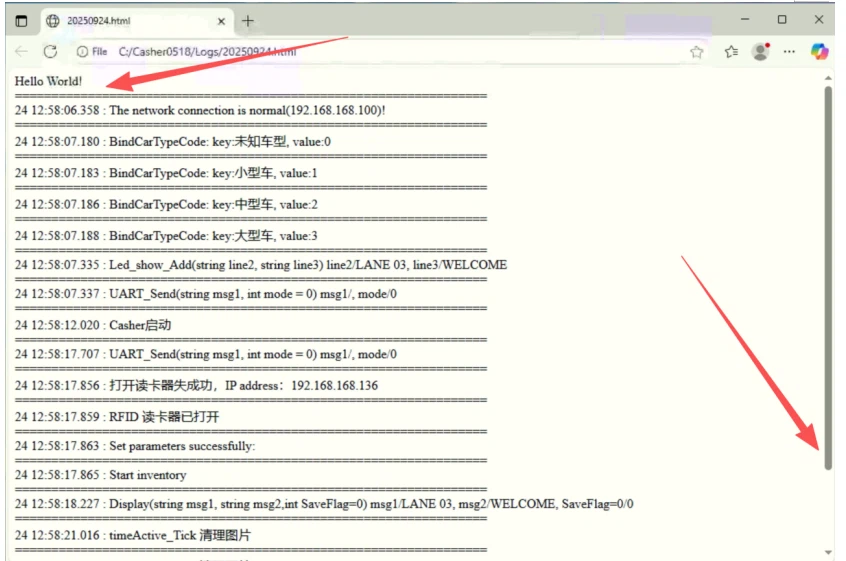
Open the log files with Notepad or a browser, or copy them and send them to our engineers so they can analyze the software activity and pinpoint the problem.
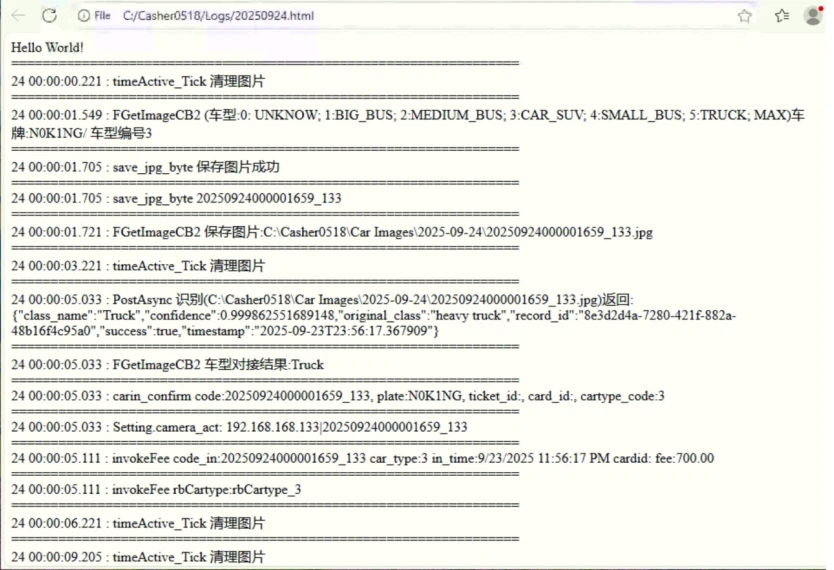
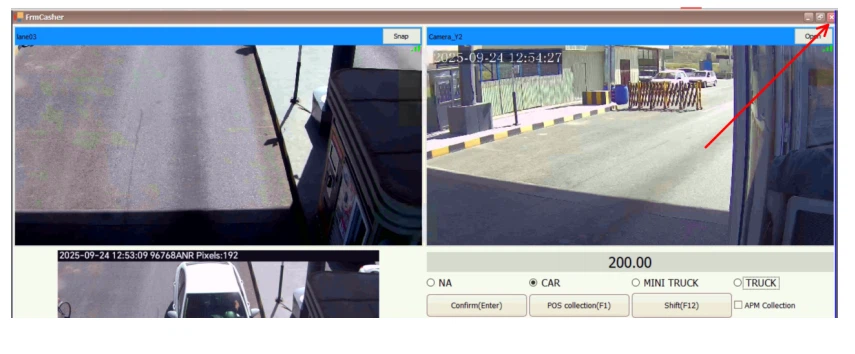
You can also close the app, delete the existing logs, and then reopen and test the app to generate a completely fresh set of logs.
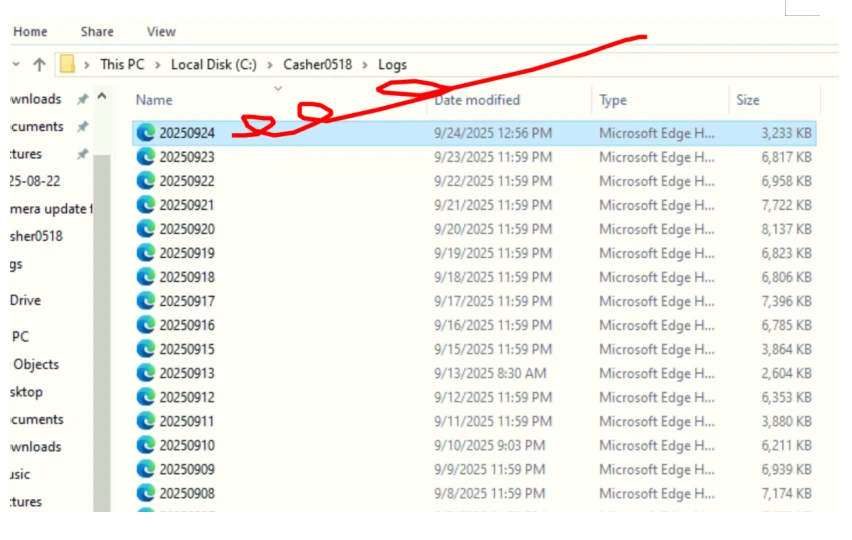
New logs.
Entry and exit ticket machine software interface.
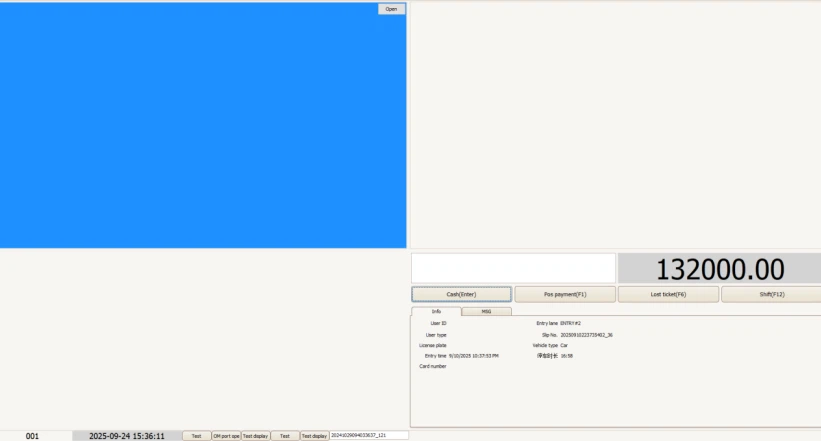
Toll software for the exit booth or central cashier.
Automatic payment machine software interface.